Reviewed October 29, 2026
Waiting for Opponent, Codes & Match Problems
Find the next useful check when a round waits, a code fails or a build result looks unexpectedly weak.
Choose the symptom
Official announcements and reviewed gameplay; current untested details are identified in the text.
The round says waiting for opponent
- Check first
- Your five rows and the opponent state.
- What to do
- Wait for the opponent; use live rejoin prompts if the round stays stuck.
- Success check
- The result screen appears, or you have a precise bug report.
Gameplay observations with current UI limits noted below.
Read the supporting evidence →The final grade looks too low
- Check first
- All five result values and the active mode.
- What to do
- Compare the weakest rows before changing your build approach.
- Success check
- You know which row caused the weak profile.
Gameplay observations with current UI limits noted below.
Read the supporting evidence →A code is rejected or its menu is missing
- Check first
- Code spelling, spaces and exact error message.
- What to do
- Check the official code list and current game menus.
- Success check
- The game confirms a reward or gives a specific failure state.
Gameplay observations with current UI limits noted below.
Read the supporting evidence →The character pool changed
- Check first
- The mode header above the cards.
- What to do
- Match your build expectations to the active mode.
- Success check
- You can distinguish a pool change from a missing-character problem.
Gameplay observations with current UI limits noted below.
Read the supporting evidence →Quick answer
Start with the state shown on screen. Waiting for opponent can be a normal part of the round. A weak result needs a five-row review; a code error needs its exact message and the current official code list.
§The round says waiting for opponent#
The reviewed match enters a waiting state after the local selections. The opponent may still be choosing. Check that your own five rows are filled and give the round time to resolve.
If the screen remains stuck after the other player leaves or both players finish, follow the live leave or rejoin controls and report the exact state through the game's feedback option. The official description explicitly invites bug reports in-game. A forced reconnect can interrupt your current match.
§The final grade looks too low#
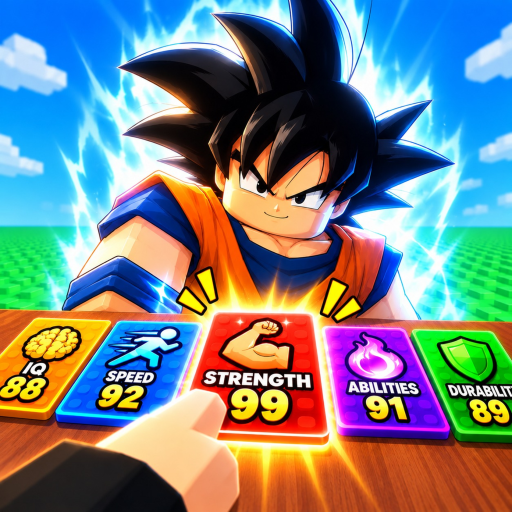
Read all five slot values on the result screen. A rare or high-scoring selection in one category can coexist with weak choices in the remaining categories. The reviewed result with 88, 34, 88, 87 and 20 illustrates that imbalance.
Compare the mode header and selected categories before assuming the stats are broken. Record the five values if the displayed average appears inconsistent, then include that detail in feedback.
§A code is rejected or its menu is missing#
Use FREESPIN and 100CASH exactly as officially listed, one at a time. Check any response for already-used, invalid or expired wording. These are possible troubleshooting checks; the exact current error strings have not been captured.
If no redemption field is visible, inspect current menus and official announcements. Do not follow an unrelated anime game's screenshot or install a script to force a reward.
§The character pool changed#
Check whether the header says Default Mode or One Piece Mode. Both are visible in reviewed gameplay. A different pool can explain why a familiar character has not appeared.
The full rotation and unlock rules are not verified. Use the current mode label as your first check before reporting a missing character.
Questions and answers
Where do I report bugs?
The official description asks players to submit feedback in-game. Include the mode, visible message and what happened immediately before the problem.
Should I keep spending rerolls while waiting?
The waiting state can mean the other player is still choosing. Check the match state before using controls whose current costs are not verified.
Scope and sources
Official announcements and reviewed gameplay; current untested details are identified in the text.
- Screens and character pools can change with updates. Check the mode and the value shown in your current match before committing a roll.